To upload a file, click "Upload files" or drag files into the "Drag and drop" field
Templates for printing are available at the link https://www.drukarniabielsko.pl/pl/wizytowki-hot-stamping/ in the templates tab.
Basic information for preparing files for a business card with hot stamping is provided below.
1. The file for printing should be saved in the CMYK color space without attached color profiles.
2. The file should have a 2 mm bleed.
Hotstamping
1. Elements that are to be covered with hotstamping foil should be marked as Magenta 100% or pantone if there is Magenta 100% in the real design, and they should be applied to the real design as in the example below.

ATTENTION: ALL ITEMS TO BE COVERED WITH HOTSTAMPING FILM MUST BE PREPARED IN VECTORS.
2. Hotstamping elements can be pulled out of the bleed so that after cutting the hotstamping foil will be to the edge of the product.
UV selective varnish
1. Elements to be covered with UV varnish should be marked as Black 100%. and best if they were written in vectors. Masks for UV varnish should be saved in a separate file for each page.
An example below:

NOTE: The elements of UV varnish and hotstamping must not overlap.
After uploading the files, the system will automatically redirect you to a program where you can check the page order and all margins.
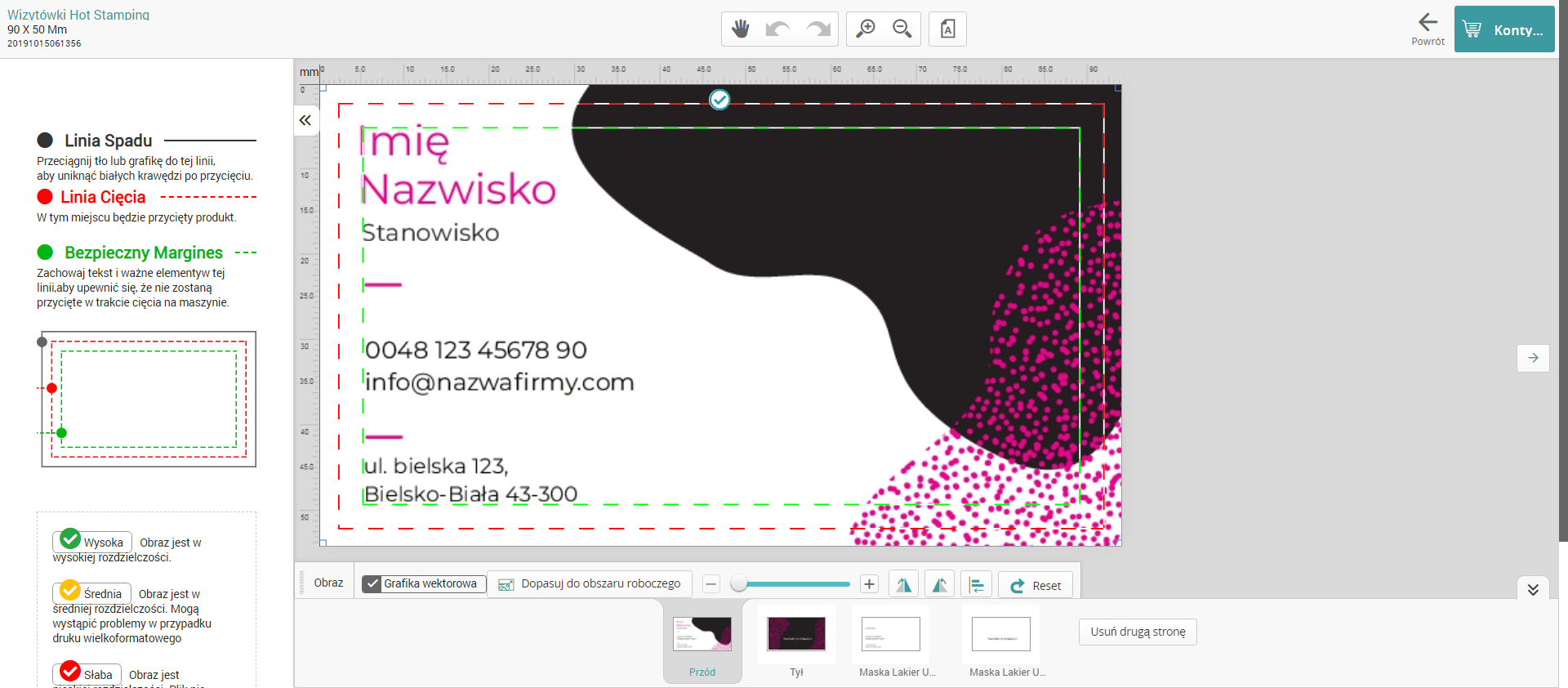
After checking all the items, click "Continue" where you will be redirected once again to the calculator, where you should check the order parameters. (Paper, Print, Hotstamping, UV varnish)
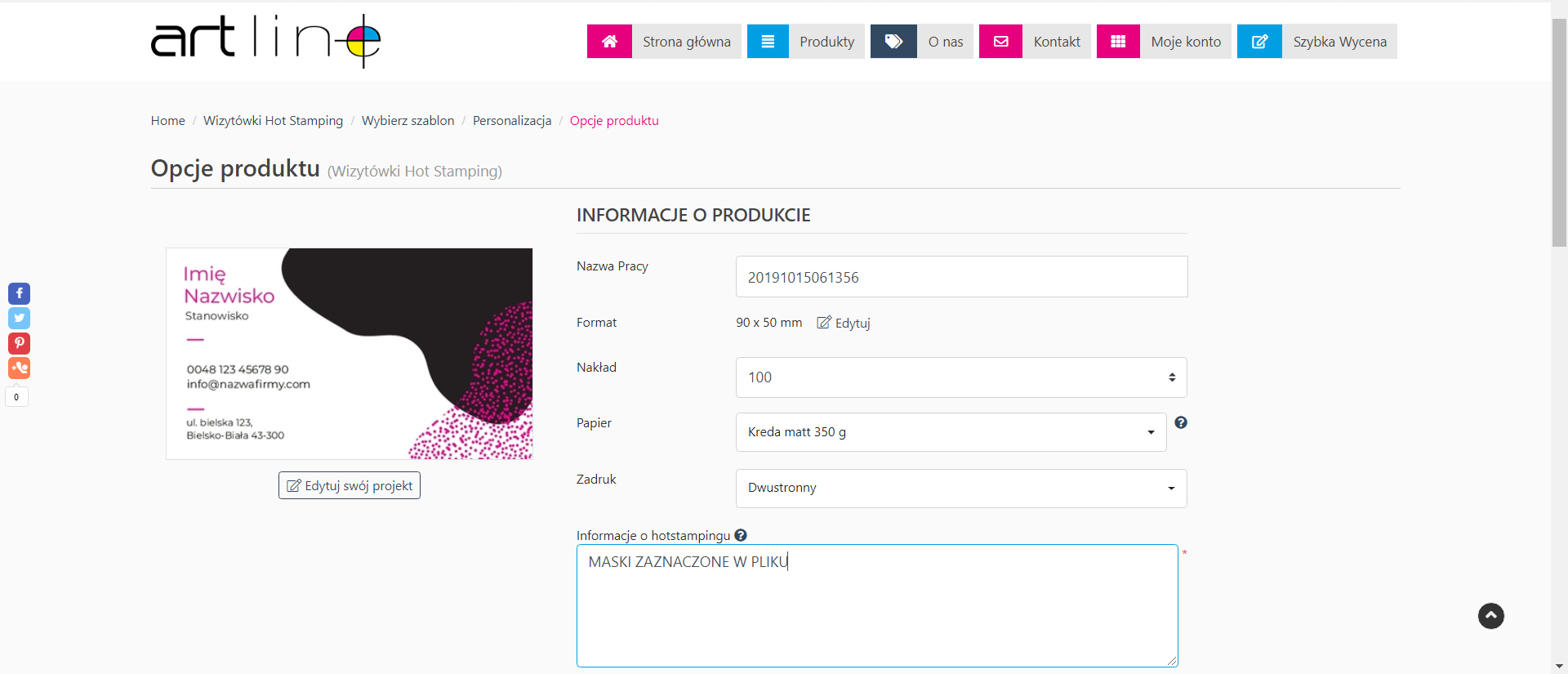
IMPORTANT: IN THE REQUIRED FIELD "HOTSTAMPING INFORMATION" PLEASE ENTER "MASKS MARKED IN THE FILE"